1 photo. One Hair Dye Filter video.
MonthlyWatermark-free MP4 · Ready for TikTok/Reels · $4.99 for the first week, then $12.99/week · cancel anytime
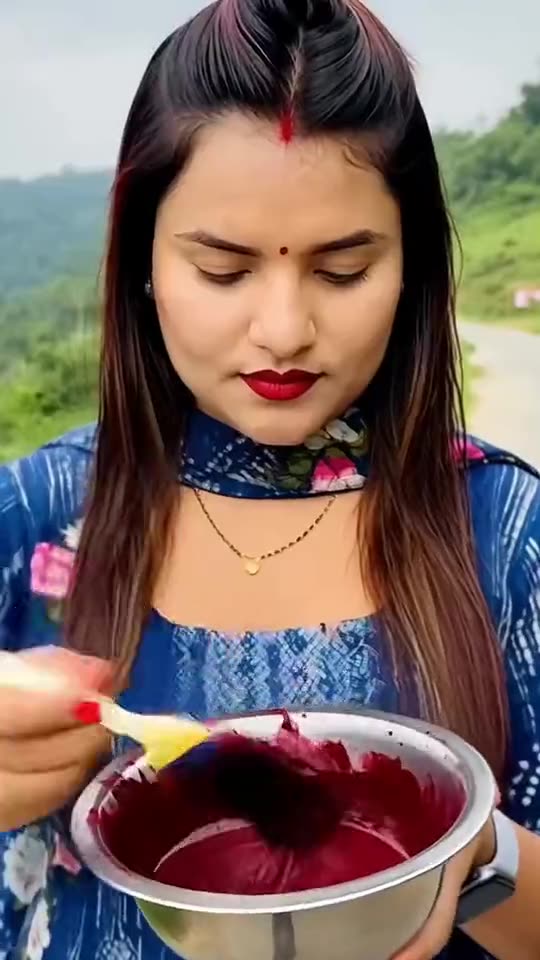 Sample clip
1 photo. One Hair Dye Filter video.
Input: 1 photo (JPG / PNG / WEBP, ≤9 MB, clear adult face). Output: ~15s 9:16 MP4 for TikTok/Reels (watermark-free MP4 · Ready for TikTok/Reels · 500 credits). Pricing: $4.99 for the first week, then $12.99/week · cancel anytime — not free unlimited; new accounts get 20 welcome credits ≈ 2 images only (not free video; video needs credits/packs). Barriers: 18+, photo rights, consent checkbox, Stripe. No app download.
- 1 photo
- ~15s
- 9:16
- Ready for TikTok/Reels
- $4.99 for the first week, then $12.99/week · cancel anytime
Input: 1 photo (JPG / PNG / WEBP, ≤9 MB, clear adult face). Output: ~15s 9:16 MP4 for TikTok/Reels (watermark-free MP4 · Ready for TikTok/Reels · 500 credits). Pricing: $4.99 for the first week, then $12.99/week · cancel anytime — not free unlimited; new accounts get 20 welcome credits ≈ 2 images only (not free video; video needs credits/packs). Barriers: 18+, photo rights, consent checkbox, Stripe. No app download.
- 1 photo
- ~15s
- 9:16
- Ready for TikTok/Reels
- $4.99 for the first week, then $12.99/week · cancel anytime
Sample from this template
Sample from this template
Before · your photo
JPG / PNG / WEBP · ≤10 MB · adult face
Before
AfterAfter · sample
Comparison: left = upload slot; right = catalog demo poster/result (no fake screenshots). Paid jobs use your uploaded photo(s). Adults 18+ · photo rights · independent fan tool, non-official.
- 011
- 022
- 033
More examples of this template · 1
Curated examples of this look. Tap “Make this look” to create with this template.
 After · sample
Hair Dye Filter: AI Dyes Your Hair Burgundy From One Photo
The hair dye filter is the TikTok trend where an AI template turns one photo into a video of you painting burgundy dye onto your hair from a bowl, then showing off long, sleek burgundy hair, a flat iron and big glossy curls.
What this template does
The hair dye filter is the TikTok trend where an AI template turns one photo into a video of you painting burgundy dye onto your hair from a bowl, then showing off long, sleek burg
What is the Hair Dye Filter trend, and where did it start?
The AI hair dye filter is not a camera filter but an AI template in common edit apps: it turns one photo into an 11-second phone video. You hold a bowl of dark red dye and brush it onto your hair, then the video cuts to long, straight, glossy burgundy hair, a flat iron glides down it, and it ends in big curls and a proud smile.
Hair Dye Filter trend timeline
- Recent weeksThe "original sound" that most of the trend's clips use is first posted on TikTok. Several common edit apps AI hair templates share it, and by 17 October it is in 20,000 videos.
- Recent weeks@bipanabhattarai279 in Nepal posts her AI hair dye clip for the Dashain festival. It passes 268,000 views, and Nepali how-to videos show the template the same day.
- Recent weeks@harmie_273 in Nigeria posts hers. By 17 October it has 2.2 million views and 221,900 likes, the biggest clip of the trend.
- Recent weeksMore clips from Nigeria pass 974,000 and 638,000 views as the trend spreads across West Africa.
- Recent weeksAn English how-to, "How to Use AI Hair Dye Filter", passes 250,000 views. The #hairdyefilter hashtag has 407 TikTok videos and 6 million views.
Photo requirements for Hair Dye Filter
- Face the camera in good light, from the chest up. No sunglasses and nothing over the face.
- Any hair works: straight, curly, braids, a bun or short hair. The video paints the dye on the hair you have, then gives you long, sleek burgundy hair. The photo keeps your own hairstyle and changes…
- No hat, scarf or wrap over the hair: the dye needs hair to go on.
- Dye video: take the photo where you want the video to happen, like your yard or your room. The video keeps that place and your clothes.
- Use your own photo, or a photo of a friend who said yes. Never a child, a celebrity or a stranger.
Troubleshooting Hair Dye Filter
- --- — ---
- The face looks different when the head tilts down — Use a sharp, front-facing photo in good light, with no sunglasses. Every run is a new take.
- The new color is too bright, pink or orange — The prompts ask for a deep wine-red burgundy. Run it again; a photo in daylight helps.
- The hair looks patchy after the dye (Dye video) — Use a clear photo with the hair in view, not covered by a hand, a hood or a wrap.
How Hair Dye Filter differs from common face-swap templates
RemixMeme uses a site-locked catalog prompt for Hair Dye Filter — upload and generate; you do not paste a third-party prompt.
Scene and motion follow this page’s samples; identity stays as close as possible to your photo.
Babies and unauthorized celebrity likenesses are out of scope — adults 18+ with photo rights only.
Caption & hashtag ideas for Hair Dye Filter
- Trying Hair Dye Filter
- Keep the AI label on
- Tag who has to go next
- Match a trending sound when you post
Hashtags that fit: #aihairdye · #aivideo · #remixmeme
Keep the platform AI label on. RemixMeme does not license commercial tracks — add the trending sound yourself. Plans: $4.99 for the first week, then $12.99/week · cancel anytime · 720p=500 credits.
Step-by-step guide: Read the how-to tutorial
What happens beat by beat — Hair Dye Filter
RemixMeme locks a public catalog prompt for Hair Dye Filter. Default ~15s 9:16. Signature moves land roughly like this:
- 0–3s01
| You look into the camera w
| You look into the camera with a cool, serious face and paint dark burgundy dye from a bowl onto your hair with a flat brush. |
- 3–5s02
| A quick cut
| A quick cut: the dye is done, and your hair is long, straight and glossy burgundy, with a brighter red shine at the roots. |
- 4–7s03
| A flat iron glides down th
| A flat iron glides down the straight hair, with a wisp of steam. |
- 6–8s04
| Another cut
| Another cut: big, bouncy burgundy curls. |
Steps
- 01
1. Upload 1 photo
JPG / PNG / WEBP, ≤9 MB each. Clear adult face(s). One person is enough.
- 02
2. Subscribe for credits
Plans: $4.99 for the first week, then $12.99/week · cancel anytime. 500 credits = 1 Ready for TikTok/Reels video; failed renders refund credits.
- 03
3. Generate & download
~15s 9:16 MP4. Draft costs 375 credits; Ready for TikTok/Reels export costs 500. Failed jobs refund credits.
AI Meme Video Templates for Viral Trends
403 generate-ready templates. Add your photo(s) and make yours. Plans: $4.99 for the first week, then $12.99/week · cancel anytime.
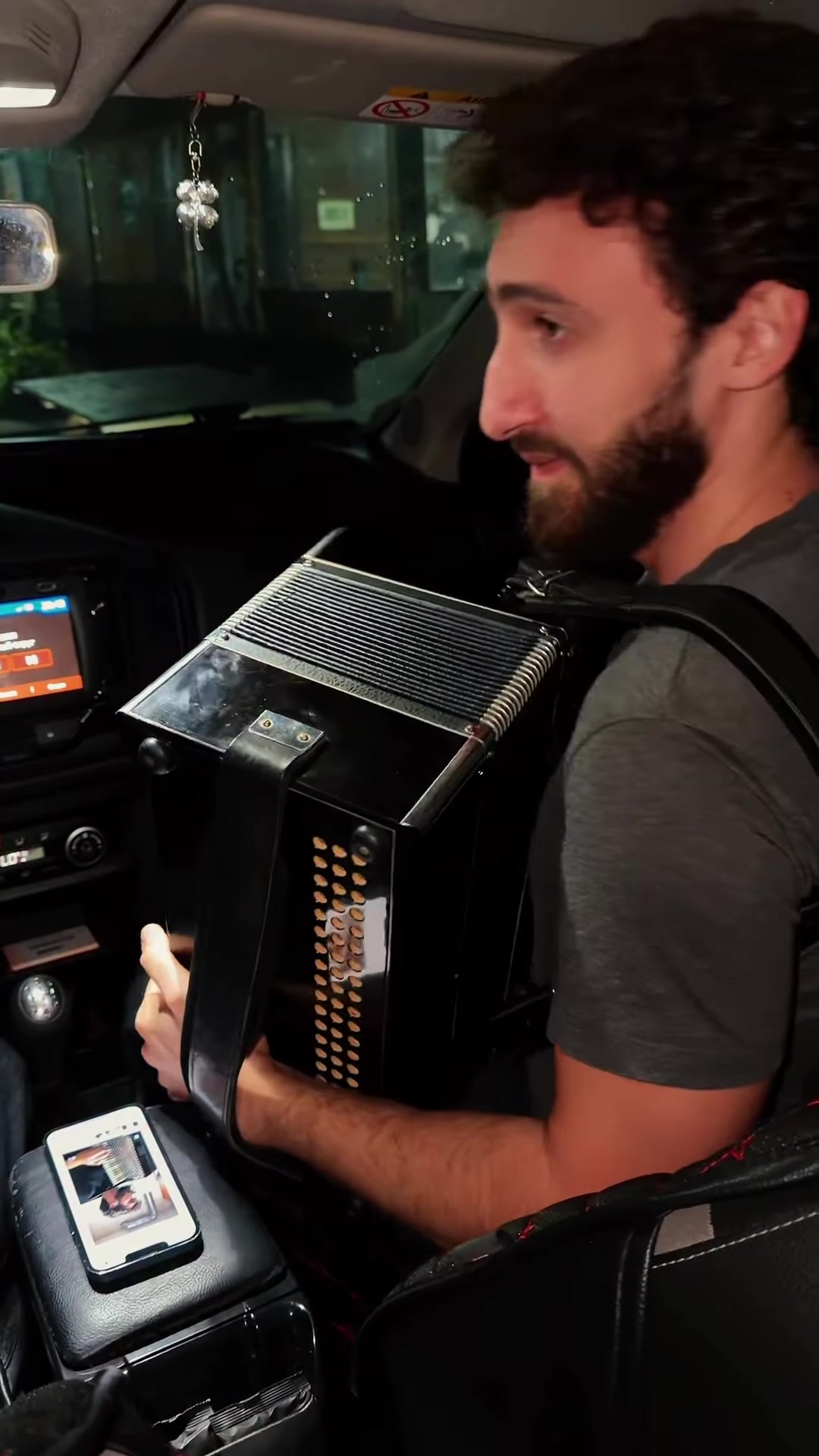
90s Car Accordion AI Trend: What Is Love Vibe Face Swap From One Group Photo
90s Car Accordion AI Trend turns one adult three-person group photo into a night-time parked-car eurodance vibe clip: accordion passenger, laughing driver, back-seat singer — faces map left→right from your photo. RemixMeme locked motion-control template (demo as motion ref). 18+ only; original instrumental — no licensed commercial vocals.
Browse all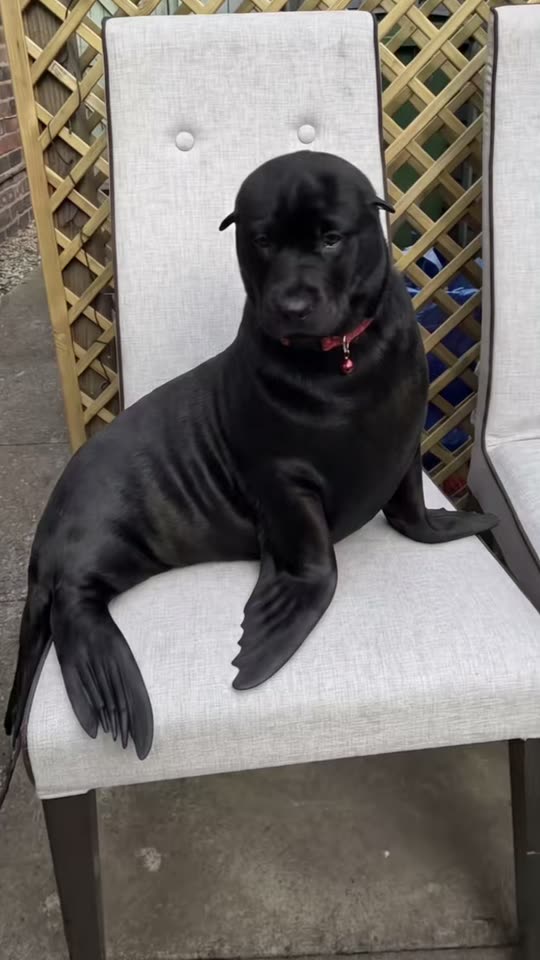
Seal Filter: Turn Your Dog or Cat Into a Chubby Seal
The seal filter is a TikTok pet trend: your dog or cat sits still for a moment, a line sweeps across the screen, and the same pet sits in the same spot as a round, chubby seal with its own face, fur and collar.
Browse all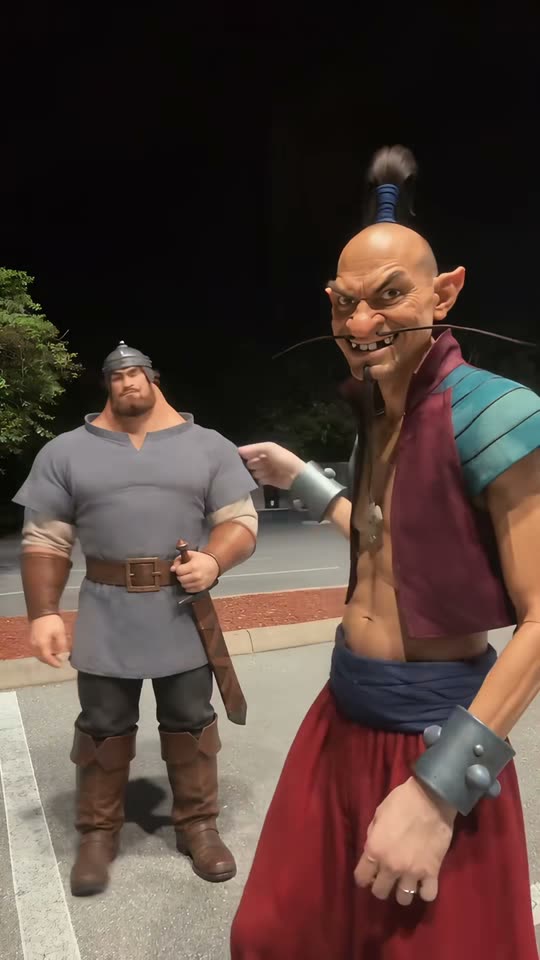
Hop Hop Hop AI Dance: Do the Viral Duo Swap From Your Photos
The hop hop hop dance is a viral hop hop hop TikTok duo trend of October 2026: one person points back, a friend hops on the beat far behind, then a hard cut swaps them.
Browse all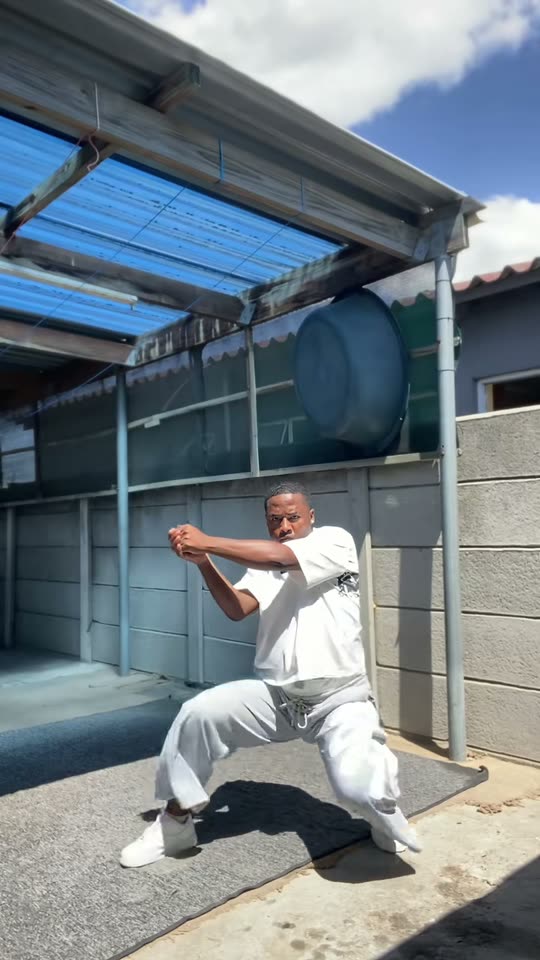
I Just Woke Up From a Fuzzy Dream: Do the Skeur Dance From One Photo
I just woke up from a fuzzy dream is the line of the Fuzzy Dream dance, the South African skeur dance that took over TikTok in October 2026: you drop into a deep wide squat and bounce, wind your arms and shake your knees to a remix of the line.
Browse all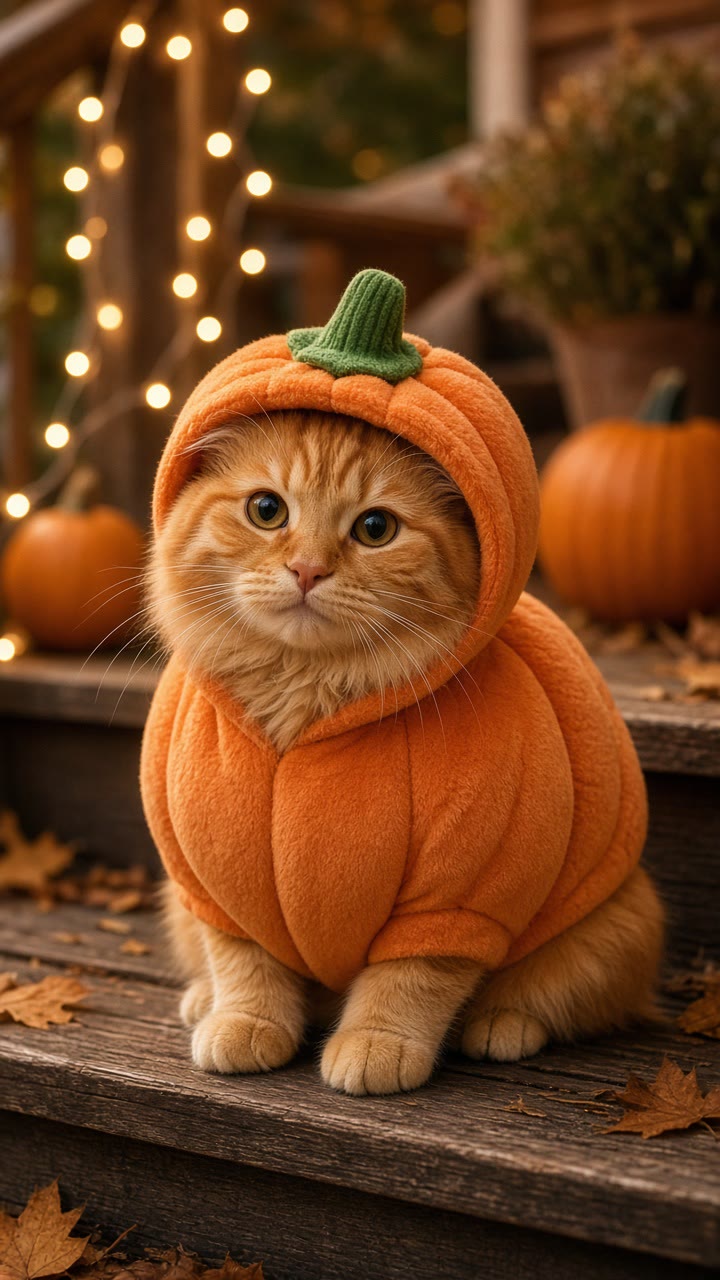
Pumpkin Pet Halloween AI: Cute Pumpkin Costume From One Pet Photo
Pumpkin Pet Halloween AI dresses your dog or cat in a soft pumpkin costume with a tiny leaf — cozy autumn studio, real pet face preserved. Cute Halloween pet clip, never scary gore.
Browse all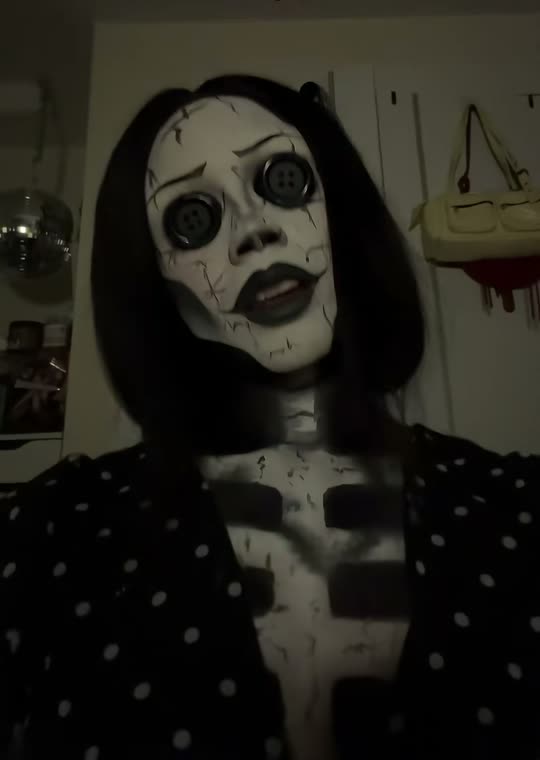
Button Eye Doll AI: The Coraline Filter Trend From One Photo
The Coraline filter trend turns you into a doll with black buttons for eyes, the Other Mother's look from the 2009 stop-motion film.
Browse all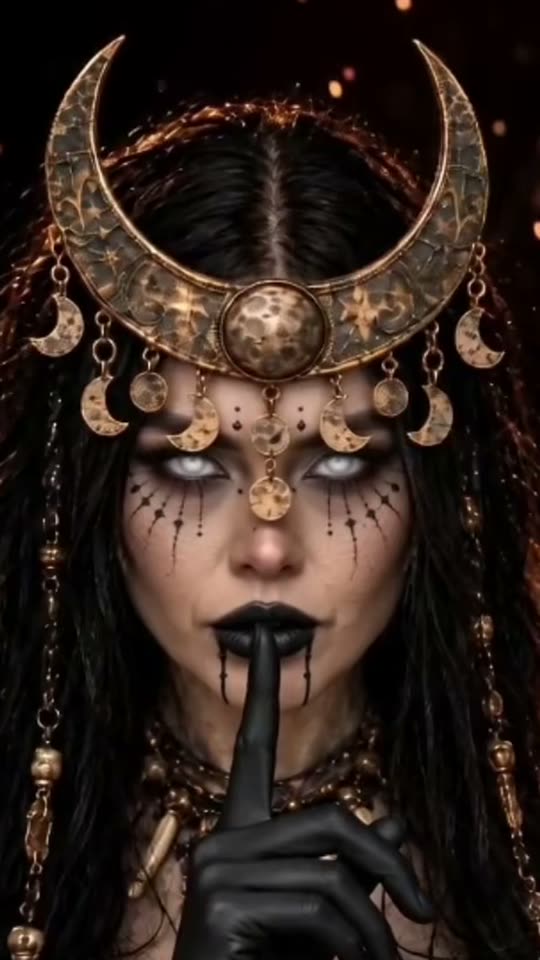
Enchantress Filter AI: From Your Photo to a Dark Moon Witch
The Enchantress filter is a Halloween transformation trend on TikTok.
Browse all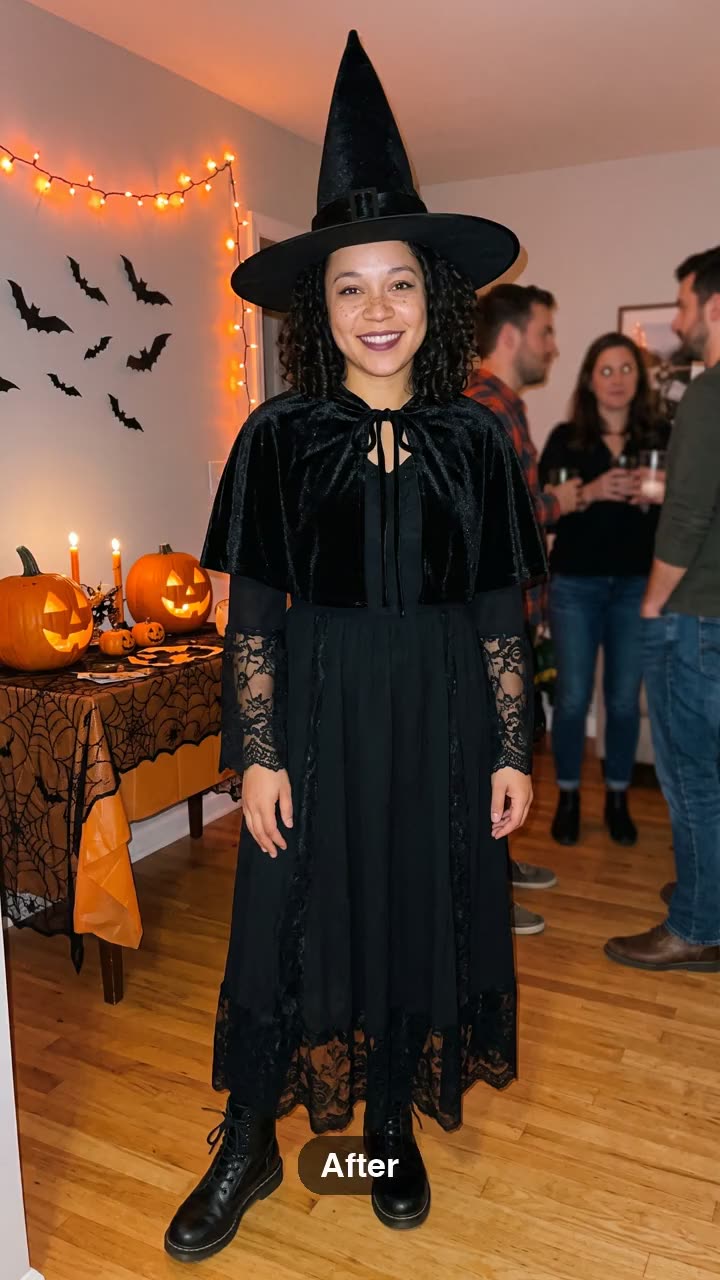
Witchcore AI Trend: Misty Forest Cloak Look From One Photo
Witchcore AI turns one photo into a misty autumn-forest clip: elegant cloak, soft moon and candle light, calm walk and close-up. Romantic cottage-goth witchcore — not gore horror. Pets get a tiny cloak.
Browse all
Family Role Swap AI: Mom Dad Sister Brother Body Swap From One Photo
Family Role Swap AI turns one adult family-group photo (cousins, adult siblings, reunion friends) into a wholesome comedy clip where expressions and dance moves map across roles — dad energy on sister, mom gestures on brother. 18+ faces only; not for child photos.
Browse all
Michael Jackson Moonwalk AI: Stage Moonwalk and 45° Lean From One Photo
Moonwalk AI Trend: one adult full-body photo → stage moonwalk plus the famous 45° lean. Independent fan tool — original stage look, not a commercial MJ track license. Distinct from Billie Jean living-room dance templates.
Browse all
Cricket Pull Shot AI Trend: Stadium Highlight From One Photo
Cricket Pull Shot AI turns one adult photo into a 9:16 stadium highlight: you play a crisp pull shot to the leg side as the crowd rises. South Asia cricket niche — fan sports clip, not a league broadcast remake.
Browse all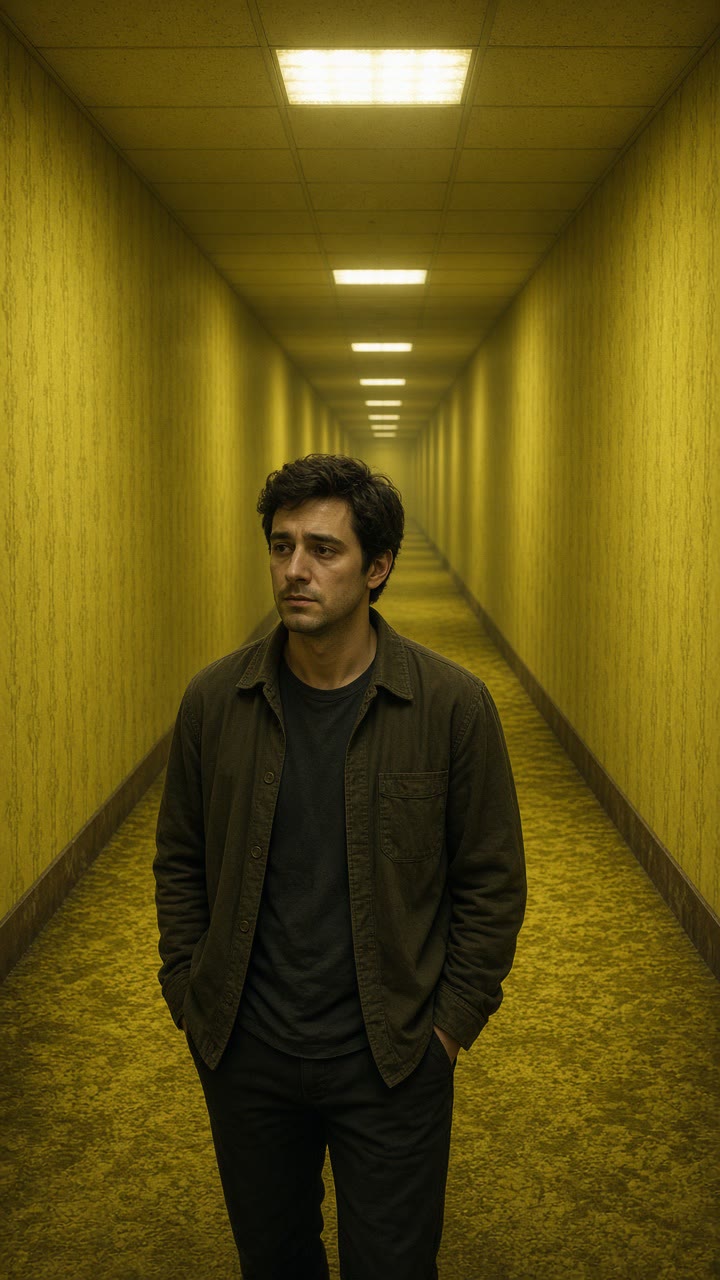
Backrooms Liminal Horror AI: Yellow Hallway Clip From One Photo
Backrooms Liminal Horror AI places you in an endless yellow fluorescent hallway — liminal dread, buzzing lights, soft fog. Atmospheric horror mood, not gore. Identity preserved.
Browse allAdd 1 photo and unlock Create
Plans: $4.99 for the first week, then $12.99/week · cancel anytime. ~15s MP4. Failed renders return credits.
CreateWhat happens to your photos
- 01
Upload
Your photos stay in your browser until you tap Create or check out — JPG / PNG / WEBP, ≤9 MB.
- 02
Generate
They are sent to our AI video provider to render your clip.
- 03
Checkout
If you pay first, they are saved with your order so the render can start right after payment.
- 04
Questions
Deletion or refund requests: Settings → Support. See Privacy Policy and Terms.
Risk & legal boundaries
Independent fan tool. We do not host originals as official. AI-generated entertainment only — label AI when you post. Adults 18+ who agreed. No official logos as identity sources.
- Not affiliated with meme originators, platforms, CapCut, or any brand owner. No official logos. Not an official CapCut template pack.
- Adults (18+) with photo rights / mutual consent only. User confirms rights to every face. No children, celebrities as identity sources, or non-consensual deepfakes.
- No commercial track is included — we do not sell music licenses. Add trending sounds yourself on TikTok/Reels.
Fan tool on this site · 2026. Photo rights + adult consent required. CapCut / AI meme app alternative: /vs-capcut · /alternatives.
Pricing
Choose Weekly, Monthly, Yearly, or a one-time pack. Cancel anytime.
Failed generations automatically return your credit. Renders usually take a few minutes.
Limited gift
$4.99 for the first week, then $12.99/week · cancel anytime
Ends in 12:00:00
Weekly
$4.99 for the first week, then $12.99/week · ≈1 video · Ready for TikTok/Reels
$4.99/week
≈1 videos/week · Ready for TikTok/Reels
cancel anytime · Ready for TikTok/Reels
Monthly Starter
$14.99 for the first month, then $24.90/month · ≈3 videos · Ready for TikTok/Reels
$14.99/month
≈3 videos/month · Ready for TikTok/Reels
cancel anytime · Ready for TikTok/Reels
Monthly Pro
$34.99 for the first month, then $59.90/month · ≈10 videos · Ready for TikTok/Reels
$34.99/month
≈10 videos/month · Ready for TikTok/Reels
cancel anytime · Ready for TikTok/Reels
Yearly Starter
$159 for the first year, then $199/year · ≈36 videos · Ready for TikTok/Reels
$159/year
≈36 videos/year · Ready for TikTok/Reels
cancel anytime · Ready for TikTok/Reels
1× Pack
500 credits · never expire
$11.99
≈1 videos · Ready for TikTok/Reels
never expire · Ready for TikTok/Reels
3× Pack
1500 credits · never expire
$29.90
≈3 videos · Ready for TikTok/Reels
never expire · Ready for TikTok/Reels
10× Pack
5000 credits · never expire
$69.90
≈10 videos · Ready for TikTok/Reels
never expire · Ready for TikTok/Reels
Not free unlimited. Failed jobs refund credits. Cancel anytime on subscriptions. One-time pack credits never expire.
FAQ
1 photo in → one ~15s 9:16 Hair Dye Filter MP4. The hair dye filter is the TikTok trend where an AI template turns one photo into a video of you painting burgundy dye onto your hair from a bowl, then showing off long, sleek burgundy hair, a flat iron and big glossy curls.
Make Hair Dye Filter
Upload 1 photo. Plans: $4.99 for the first week, then $12.99/week · cancel anytime. ~15s 9:16 MP4.
CreateSame studio
Related tools/ 相关工具
More AI short-video trends — create on this site with one shared credit balance
- 1–2 photos → Burning Bridges crystal-chandelier party template (MP4 with sound)
 Burning Bridges AICrystal chandelier party
 - Two photos → ~10–15s white-studio keys + hype short
 Alors on Danse AIMini-keyboard meme
 - 1–2 photos → barn tip-toe / Wing In My Jawwdinz dance short
 Rumpelstiltskin Dance AIBarn tip-toe meme
 - 1 photo → quarrel / lip-sync dance deadpan short
 Bad Times AIQuarrel dance short
 - Selfie + optional car → 24 card car reveal video
 Unforgettable Car AI24 card car reveal
 - 1 selfie → ChatGPT Millionaire “Get a job.” meme short
 ChatGPT Millionaire AIGet a job. meme
 - 2 photos → Hug in Heaven stairway reunion memorial short
 Hug In Heaven AIStairway reunion memorial
 - 1 selfie → ~10s rocket-over-traffic Flying Roadster short
 Flying Roadster AIFlying Car AI
 - 1 photo → ~13–15s Shan Shen Bu / flash-step AI dance
 Shan Shen Bu AI DanceFlash Step AI
 - 1 face photo → ~10s quince concha / Bby Wow Guy meme short
 Bby Wow Guy AIquince concha meme
 - 1 photo (+ optional outfit) → ~15s doorway-to-leather night glow-up
 Devil Wears Prada AIleather street glow-up
 - 1–2 photos → ~10s stadium kiss-cam (hug → shock → hide)
 Kiss Cam AIstadium kiss-cam joke
 - 1 photo → ~10s doorbell-cam Halloween prank short
 Cat in the Hat AIdoorbell Halloween prank
 - 1 photo → ~10s angel-wings runway video with sound
 VS Runway AIVictoria Secret AI runway
 - 1 photo → ~10s ghost bride/groom cemetery dance
 Corpse Bride AIGhost bride cemetery dance
 - 1–2 photos → ~10–12s night convertible sing / pet short
 White Chicks AINight convertible sing
 - 1 photo → ~10s Halloween half-face goo makeup short
 Venom Makeup AIHalf-face goo Halloween
 - Your story → a radio-quality personalized song gift
 MelodyGiftPersonalized gift song
 - 1 photo → ~13s jersey-club come-back-and-back dance
 wywmysweetie AICome back and back dance
 - 1 photo → ~15s emo rooftop / parking-garage night cover
 Choosin Texas AIEmo rooftop cover
 - 2 photos → ~10s Can I Ride side-by-side duet
 Can I Ride Dance AICan I Ride Dance duet