AI Baby Generator: Make a Future Baby Home Video: Make This Meme Video Online
Future Baby / What Will Our Baby Look Like: upload 2 adult partner photos → fictional AI baby home video on remixmeme.com. Entertainment only.
 RemixMeme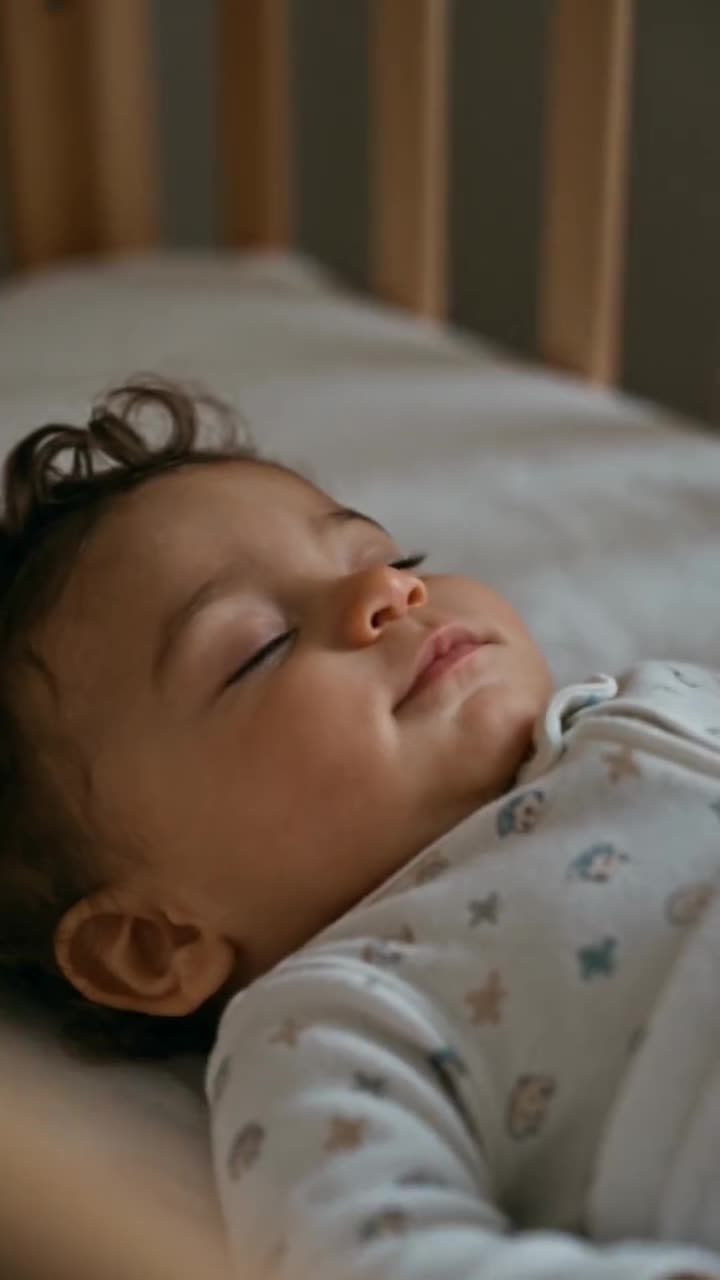
Looking for a quick way to make a Future Baby / What Will Our Baby Look Like clip? An AI baby generator video takes photos of two adults and imagines a fictional baby who mixes their looks, then plays it as a warm early-2000s home video of one day with the family. RemixMeme turns those uploads into a short shareable clip.
You do not need CapCut timelines or keyframes for this one. RemixMeme applies the locked catalog prompt so you can focus on picking two strong partner photos.
Before you start
You will need:
- Two clear front-facing adult photos (one per partner) you own or have permission to use
- A phone or laptop browser
- About a minute in the browser — default output is ~15s 9:16 vertical
Keep uploads 18+ and rights-cleared. Do not upload real children’s photos. The baby in the output is AI fiction for entertainment — not a genetic prediction, medical result, or paternity tool. Label AI when you post. RemixMeme is an independent fan tool — not an official music or brand app.
How to make it
- Visit RemixMeme and open /templates/ai-future-baby-video.
- Upload photo 1 and photo 2 — both adult faces should be sharp and unobstructed. Order can decide who is who in the scene.
- Hit Create and wait for the ~15s render.
- Download the clip. Retry with different partner photos if the first pass feels off (extra video credits apply).
Tips for a better result
- Head-and-shoulders framing; soft daylight beats harsh flash
- Match lighting between the two stills so both faces weigh evenly
- Stick to adult subjects who consented; never upload a real child
- Video costs more credits than stills — check /pricing before a big batch
Next steps
Ready to try AI Baby Generator: Make a Future Baby Home Video? Open /templates/ai-future-baby-video, then explore more trends on /explore. Pricing details live on /pricing; other how-tos are on /blog.
Once you like a take, download it and share with the AI label on. RemixMeme keeps the workflow short: pick the effect, upload two photos, create.